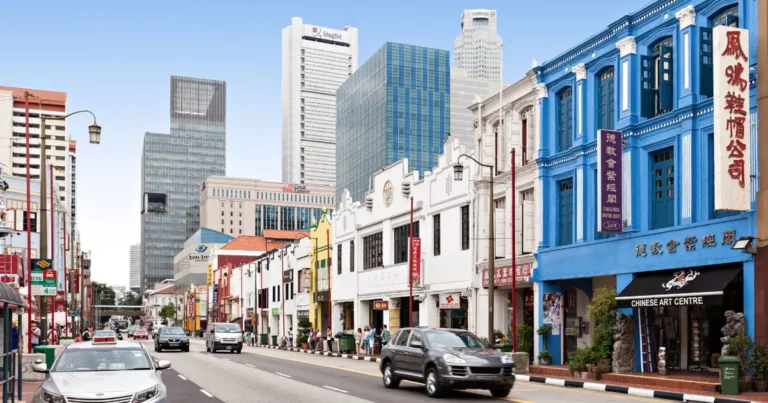
Someone near your shop searches “facial near Tampines MRT” or “aircon servicing Bedok”. Your business shows up in the Google map results. They tap through to your website, look around for a few seconds, and leave. No call, no message, no booking.
That’s where most local SEO in Singapore goes wrong. Nearly every guide stops at getting you into the map results. But ranking is only half the job. Your Google Business Profile wins the search. Your website wins the booking. If the two don’t work together, you lose the customer at the last step.
This guide treats them as one path, from a “near me” search to a booked appointment. You’ll see how Google decides who shows up locally, how to set up your profile to win the search, and how to make your website close the booking.
You’ll also learn whether customers can book with you directly on Google, and how to measure bookings rather than rankings.
How Does Local SEO Work in Singapore?
When someone searches for a service near them, Google usually shows two kinds of results. At the top sits a map with a short list of nearby businesses, often called the map pack or local 3-pack. Those listings come from Google Business Profiles. Below them are the regular search results, which are website pages.
Local SEO is the work of showing up in both. Your profile competes in the map pack. Your website competes in the regular results, and it’s also where profile visitors land when they tap through.
According to Google, local results are ranked on three things: relevance, distance, and prominence.
- Relevance: how well your profile matches what someone searched for.
- Distance: how far your business is from the person searching. In Singapore, many people search by estate or MRT station, so name the areas you serve.
- Prominence: how well known your business is, including how many reviews you have and how many websites link to you.
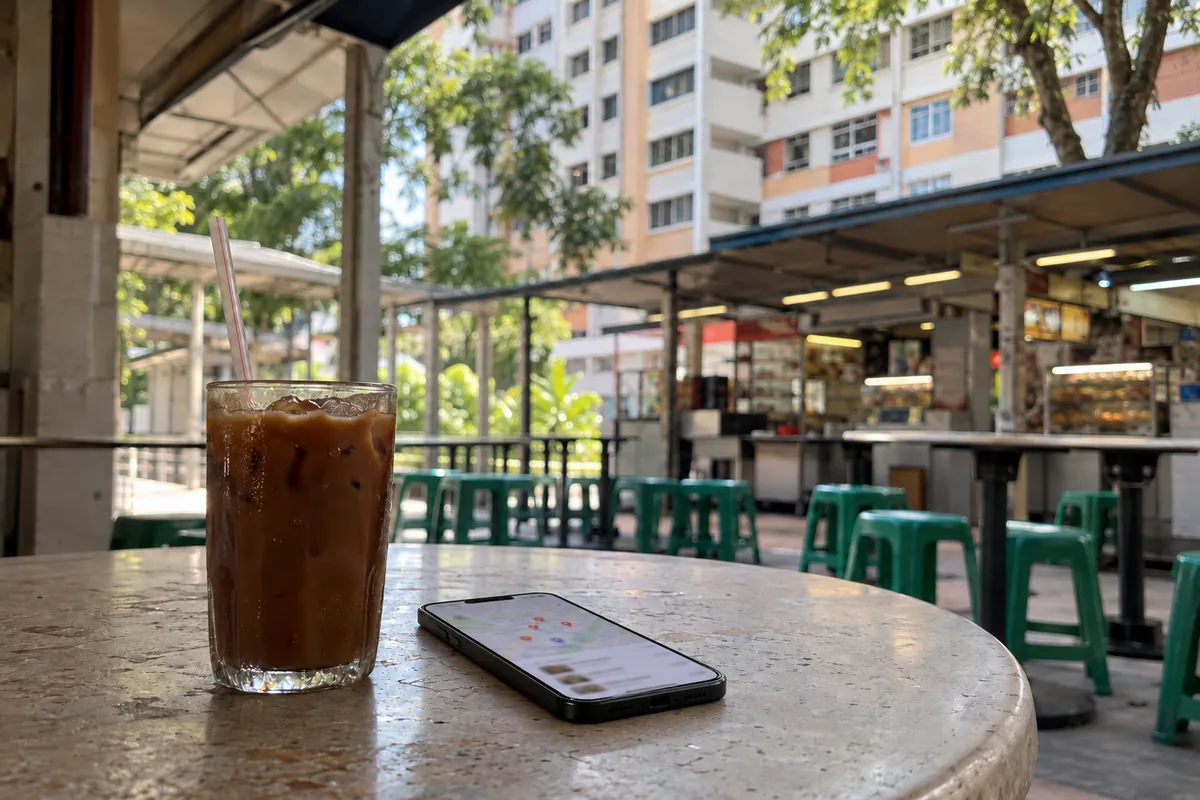
You can’t change your distance, but you can influence the other two. Google is also clear that there’s no way to pay for a better local ranking. The rest of this guide focuses on what you can control.
Step 1: Win the Search with Google Business Profile Optimisation
Your Google Business Profile (formerly Google My Business) is your shopfront in the map results. Google says businesses with complete, accurate information are more likely to show up in local searches. So start with the basics and don’t leave gaps.
Work through this checklist:
- Verify your business. An unverified profile tells Google you may not be the real owner, so it’s less likely to appear.
- Choose the most specific category. “Hair salon” beats “beauty”, and you can add related categories for your other services.
- Fill in every field. Add your full address or service area, opening hours (including public holiday hours), services, and details like parking or Wi-Fi.
- Add real photos. Show your premises, your work, and your team at work. Skip stock images.
- Keep your details identical everywhere. Use the exact same business name, address and phone format on your website, Facebook, Yelp Singapore, Yellow Pages SG and industry directories. Pick one phone format, such as +65 followed by your 8-digit number, and stick to it.
- Ask for reviews, and reply to every one. Ask right after a good experience, using your profile’s short review link.
One Singapore-specific caution when you reply to reviews: never confirm a customer’s personal details, booking details or identity in a public reply, because that can breach the PDPA. It applies even if they mentioned those details themselves. Thank them, and move anything sensitive to email or a phone call.
Step 2: Make Your Website Close the Booking
Your profile gets the tap, but your website decides whether that tap becomes a booking. This is the step most local SEO guides skip, and it’s where many Singapore businesses lose customers they’ve already won.
Start with where the profile sends people. Your profile has a website link, and many owners point it at the homepage. A visitor who searched for “aircon chemical wash” then has to hunt for the right page. Point the link at the page that matches your main service, or straight at your booking page.
Next, make your website mirror your profile. If your profile lists five services, give each one its own page, with the same service name and the areas you cover. That helps visitors find what they came for, and it helps Google match your business to more searches.
Then make booking easy on a phone. If your site struggles here, it’s one of the signs you need a website redesign:
- Pages load quickly on mobile data.
- A tap-to-call button and a WhatsApp link sit near the top.
- The booking or enquiry form asks only for what you need.
Finally, add local details to your site. Put your address, hours and service area in the footer, matching your profile exactly. Your developer can also add LocalBusiness schema, a small piece of code that tells search engines and AI tools your name, address, phone and opening hours.
Can Customers Book Directly from Google? (Reserve with Google)
Sometimes, yes. Google runs a feature called Reserve with Google that lets people book a service, and even pay, straight from Google Search or Maps without visiting your website.
There’s a catch. Google says Reserve with Google is only available in certain countries and regions, and only for businesses that use a supported scheduling provider. So before you plan around it, check Google’s list of scheduling partners and ask your booking software provider whether they connect to it in Singapore.
If they do, switching it on can remove a step between a search and a booking. If they don’t, you still have a strong option. Add your own booking page link to your profile, so the “Book” action leads straight to your website’s booking form, not your homepage.
Either way, the principle is the same: make the shortest possible path from “near me” to a confirmed booking, and make sure every link in your profile lands somewhere a customer can act.
Measure Bookings, Not Just Rankings
Ranking in the map pack feels good, but it doesn’t pay the rent. What matters is how many searches turn into bookings. You can track that path in two places.
Your Google Business Profile has a performance report. It shows how people found your profile and what they did next, such as calling you, asking for directions, or clicking through to your website. Check it once a month.
Your website should track the finish line: completed booking forms, enquiry submissions, and taps on your call or WhatsApp buttons. Your web developer can set these up as conversions in Google Analytics.
Put the two side by side, and the numbers tell you where the problem is:
| What you see | What it usually means |
|---|---|
| Few profile views | Your profile isn’t winning the search. Revisit Step 1 |
| Many views, few website clicks or calls | Your profile isn’t convincing. Check photos, reviews and services |
| Many website clicks, few bookings | Your website is losing them. Revisit Step 2 |
That last row is often the most fixable. If it describes you, your website, not your ranking, is the bottleneck, and a focused website redesign of your service and booking pages is often a better next step than chasing a higher ranking.
Frequently Asked Questions
What’s the difference between SEO and local SEO?
SEO helps your website rank for searches anywhere. Local SEO focuses on searches near your business, such as “near me” searches, and covers both your Google Business Profile in the map results and your website in the regular results.
Is local SEO free?
Much of it is. A Google Business Profile is free to create and update, and you can do the basics yourself. The real cost is time, plus any help you pay for with ongoing SEO, content, or website improvements.
How much should I pay for local SEO in Singapore?
A one-time SEO setup in Singapore typically costs SGD 500–3,000, and ongoing SEO runs about SGD 300–2,000 a month. Where local SEO lands in those ranges depends on how competitive your area and industry are.
What replaced Google My Business?
Google My Business is now called Google Business Profile. It’s the same free listing that shows your business on Google Search and Maps, and it’s still the foundation of local SEO.
The Bottom Line: Win the Search, Then Win the Booking
Local SEO in Singapore works best when you stop treating your Google Business Profile and your website as separate jobs. The profile wins the search: verified, complete, consistent everywhere, and full of real photos and replies to reviews.
The website wins the booking: the right page, easy to use on a phone, with a clear way to call, message or book. Connect the two with the shortest possible path, whether that’s Reserve with Google or a direct link to your booking page.
Then measure what matters. Watch how many searches become profile clicks, how many clicks become website visits, and how many visits become bookings. The numbers will show you exactly where to focus next.
If you’d like help joining up your profile, website and SEO so local searches turn into bookings, explore AZENCE’s SEO and GEO support plans, or book a free 1:1 discovery call. We’ll look at your profile and site with you and show you where bookings are slipping away.