
You know your WordPress site needs a security plugin, so you search for one and find a dozen that all promise a firewall, a malware scanner and peace of mind. Many of those lists are written by the plugin makers themselves. Older ones still recommend iThemes Security, which has changed its name twice since. Hardly any tell you which one to put on a small business site.
It's worth getting right. Patchstack, a company that tracks WordPress vulnerabilities, counted 11,334 new ones in 2025. That's 42% more than the year before, and 91% of them were in plugins rather than in WordPress itself.
For most small business sites, the best WordPress security plugin is the free version of Wordfence, and you only need one. If you'd rather stop attacks before they reach your server, Sucuri's paid firewall is the main alternative.
Which one suits you depends less on the feature list than on your web host. A security plugin's job is to cover whatever your host doesn't already block.
What Does a WordPress Security Plugin Do?
A good security plugin does three jobs. It scans your site's files for malware, runs a firewall that blocks known attacks before they reach WordPress, and protects your login page with limits on failed attempts and two-factor sign-in. Most also come with a checklist of settings to switch on, though you only need to work through that once.
Our WordPress security checklist covers the steps a plugin can't do for you, like updates and backups.
Your host probably runs some security of its own, but it misses most of what targets WordPress. In Patchstack's 2025 tests, common hosting defences blocked only 12% of WordPress-specific attacks in one study and 26% in a broader one.
Keeping your plugins updated doesn't close the gap on its own either. Patchstack found that 46% of the flaws it reported still had no fix from the developer when they were made public. A security plugin's firewall is there for that window, between a flaw becoming known and a fix arriving.
The Best WordPress Security Plugins Compared
These are the six plugins most worth knowing, with what the free version gives you and what you'd pay extra for. Install counts are from WordPress.org on 28 November 2026.
| Plugin | Best for | Free version covers | Costs extra | Active installs |
|---|---|---|---|---|
| Wordfence | Most small business sites | Firewall, malware scanner, login limits and 2FA | Real-time firewall rules, country blocking | 5 million+ |
| Kadence Security (formerly Solid Security) | The easiest setup | 2FA, brute-force blocking, file change alerts, vulnerability checks | Automatic patching of known flaws | 700,000+ |
| Sucuri Security | A firewall in front of your server | Activity log, file monitoring, remote malware scan | The firewall itself, DDoS protection | 600,000+ |
| All-In-One Security | A free firewall and login lock | Firewall rules, login lockout, 2FA | Malware scanning, country blocking | 1 million+ |
| MalCare | Scanning without slowing the site | Off-site malware scan, firewall, login CAPTCHA | Removing malware it finds | 100,000+ |
| Jetpack Protect | Sites already using Jetpack | Daily vulnerability scan, downtime alerts | Malware scanning, firewall | 100,000+ |
Wordfence for most small business sites
Wordfence is the one we'd install first. Its free version includes a firewall, a malware scanner, limits on failed logins and two-factor sign-in, and you can use it on as many sites as you like. Not paying costs you speed of protection, because free users get new firewall rules and malware signatures 30 days after Premium customers do.
It runs on your own server, so its scans can slow a site down on a cheap shared plan. Its email alerts also get noisy until you switch the less useful ones off in its settings.
Kadence Security for the easiest setup
If you've seen Solid Security or iThemes Security recommended, Kadence Security is the same plugin under its new name. Its setup asks what kind of site you run and switches on sensible settings in under ten minutes, which suits an owner who doesn't want to learn what every option means.
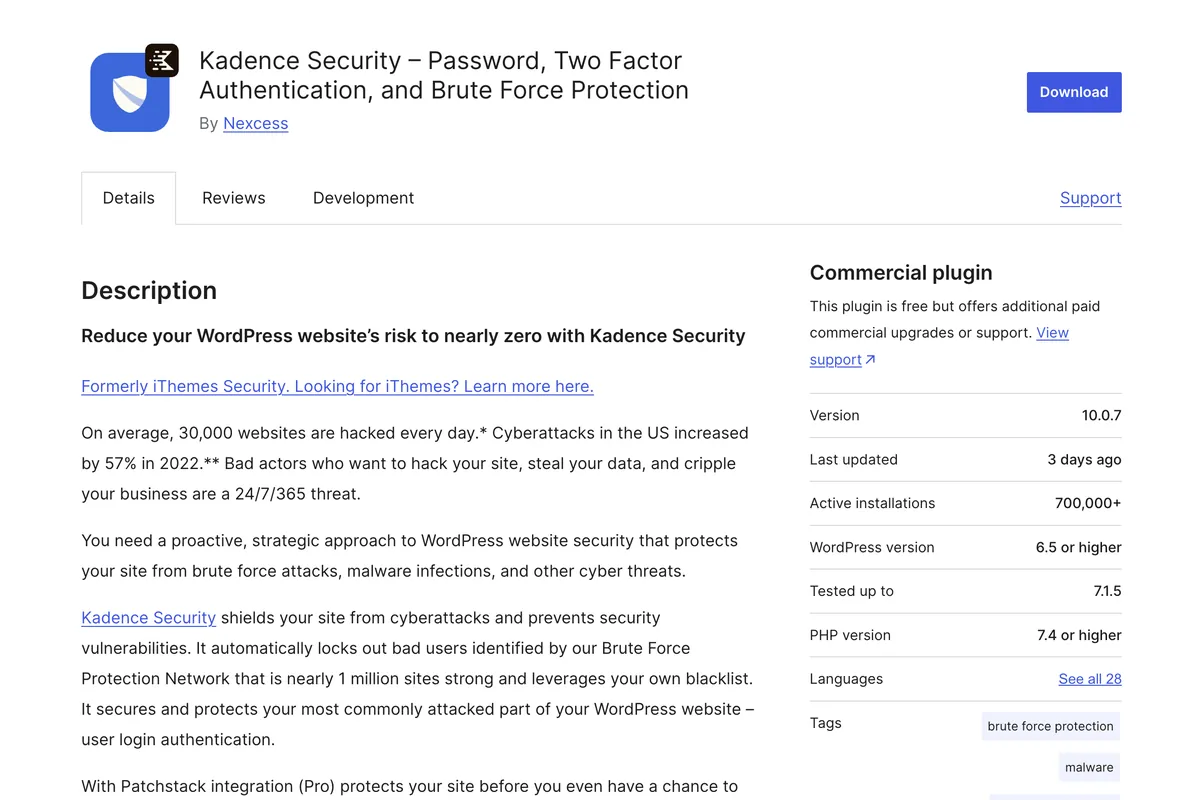
The free version covers 2FA, checks your plugins for known flaws and blocks IP addresses that other Kadence sites have flagged. Unlike Wordfence, though, it doesn't scan your files for malware.
Sucuri for a firewall in front of your server
Sucuri's free plugin watches your site rather than defending it. It logs activity, flags changed files and runs a remote malware scan, but it has no firewall. The firewall is a paid service that sits between your visitors and your host, so Sucuri's servers stop bad traffic before it reaches yours.
Setting it up means changing your domain's DNS settings, which is a job most owners hand to their developer.
All-In-One Security for a free firewall and login lock
All-In-One Security, from the team behind UpdraftPlus, gives you firewall rules, login lockouts and 2FA for free, with malware scanning as a paid extra. Its firewall works by writing rules into your site's server files, so take a full backup before you switch those settings on.
MalCare and Jetpack Protect for a lighter touch
MalCare runs its malware scans on its own servers, so your site doesn't slow down while it checks, and the free version includes a firewall. Removing anything it finds costs extra, which is worth knowing before the day you need it.
Jetpack Protect checks your plugins and themes every day against a database of more than 60,000 known flaws. It makes most sense if your site already runs Jetpack. Its makers also say it isn't designed to clean up a site that was infected before you installed it.
How to Choose the Right Security Plugin for Your Site
Start by checking what your hosting plan already includes. It's usually listed on the plan's features page, or your host can tell you in one support ticket. Then match it to the case that fits your site:
- Your host offers no firewall or malware scanning. Install the free version of Wordfence, which covers all three jobs on its own.
- Your host already scans for malware and runs a firewall. Add a login-focused plugin such as Kadence Security instead, so two scanners aren't checking the same files.
- You run an online shop or have several staff logins. Pay for the premium tier of whichever plugin you chose, for real-time rules and a log of who changed what.
- Your site has already been hacked. A newly installed plugin won't fix it, so restore a backup from before the infection or get a clean-up service to remove it.
Before you rely on any free plugin, check whether it only finds malware or also removes it. Several will tell you about a problem and then ask you to upgrade before they'll fix it.
Why You Should Run Only One Security Plugin
It's tempting to install two or three for extra protection, but full security plugins tend to get in each other's way. Two firewalls can block each other's requests, two scanners double the load on your server, and some scanners even flag the other security plugin as a threat. SupportHost, a WordPress host, warns that running more than one can cause conflicts that weaken your site's security.
Small plugins that do one job are a different matter. A spam blocker like Cloudflare Turnstile on your contact form, one of our essential WordPress plugins, sits happily alongside Wordfence.
Be wary of plugins that only hide your login page behind a new address, though. The founder of Wordfence calls that "security through obscurity", since it doesn't make a hack any less likely and can break plugins that expect the login page in its usual place.
Frequently Asked Questions
What is the best free security plugin for WordPress?
Wordfence is the best free choice for most sites. Its free version gives you a firewall, a malware scanner, login limits and two-factor sign-in on unlimited sites, and more than 5 million sites run it. All-In-One Security is the free alternative if your host already scans for malware.
Wordfence vs Sucuri: which is better?
Wordfence is the better pick for most small business sites, because it does nearly everything for free from inside your site. Sucuri is at its best as a paid cloud firewall that filters traffic before it reaches your host. Its free plugin only monitors your site and can't block attacks.
Is the free version of Wordfence enough?
For most small business sites, yes. The main thing you miss is timing, since free sites get new firewall rules and malware signatures 30 days after Premium customers do. If you run an online shop or store customer details, the real-time protection is worth paying for.
Do security plugins slow down WordPress?
They can, mostly during scans on cheap shared hosting, because plugins like Wordfence do their work on your own server. MalCare and Sucuri's firewall do the heavy lifting on their own servers instead. Running one security plugin rather than two also keeps the load down.
The Bottom Line
The best WordPress security plugin for your site is the one that covers what your host leaves open. For most small business sites on shared hosting, that's still the free version of Wordfence. Pick one, set it up once, and keep it updated with the rest of your plugins. No security plugin can protect a site that's running years-old versions of everything else.
If you'd rather someone set up your security and keep an eye on it for you, book a free 1:1 discovery call with Tricia at AZENCE.